Guests scan one QR, upload photos with no app, and you see them live on TV. Schedule and practical info live in the same page, for garden parties and company summer events.
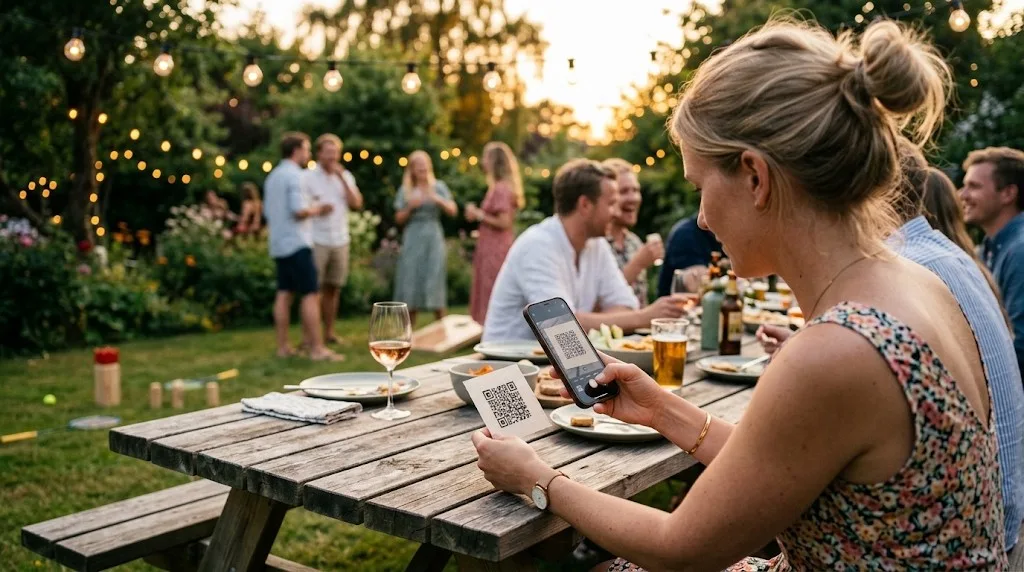
At a summer party everyone takes photos: in the garden, at the grill, on the dance floor. They end up in closed chats and private rolls. At the same time schedule, activities and parking still need sharing.
Fest-appen collects summer party photos via QR, no app, no login, and shows them live on screen. The same page holds schedule, menu and practical info, so you stop answering the same questions.
After the party we email you one download link with your guests' photos in high resolution and the guestbook. Guide: collect guest photos → · See all features →
QR code on the table or welcome poster. Guests scan and upload, no app, no login. Photos from the garden, the terrace and the dance floor all end up in the same gallery.
Connect a laptop to a TV or projector in the tent or living room. New photos and guestbook messages roll automatically, so the entertainment runs itself while you enjoy the evening.
Guests write a message or a quip from the evening. Fun to read the next morning, and a warm thank-you to whoever organised the party.
When's the food? When do the games start? Add a simple timeline: guests check the page instead of asking you.
Address, parking, what to bring and the wi-fi code, if there is one. The page also works on mobile data, so guests can upload from the far end of the garden. Just check coverage if the party is far out in the countryside.
After the party we send you an email with one link: your guests' photos at full resolution and the guestbook ready to print. Share it with colleagues, friends or the committee, gathered in one shared album.
We set up the summer party app. You fill it with content. Guests scan and they're in.
Fill in the form to get a free trial page. We create your guest page and send login, typically within 24 hours on weekdays. You add the schedule, menu and info, typically 15–20 minutes.
You print QR codes as table cards, posters or stickers. We supply print-ready files. Put them up at the entrance and on the tables.
Guests scan and upload while you enjoy the evening. After the party we email you a link to fetch the download package with your guests' photos.
Print the QR on table cards or a poster. Guests scan, upload from their phone with no app, and photos land in one gallery, also live on a TV or projector if you connect one. After the party we email you one download link. Guide: collect guest photos →
Yes. Fest-appen runs in the phone browser, so guests need internet. For outdoor parties with many guests, make sure there is wi-fi coverage or that guests have mobile data.
Yes, also for team-building and company days. We issue an invoice with VAT number. See the company outing page →
Typically we have your page ready within 24 hours on weekdays. Book at least a few days before the party so you have time to fill in content and print QR codes.
Yes. Guests can choose existing photos from their phone gallery, including shots from the grill before the official programme starts.
Fill in the form and we create your guest page. You get login by email, typically the same weekday (weekend: next business day), and a free 30-day trial with limited test content. No commitment until you order and pay. When you pay, you continue on the same guest page with the setup you already made.