From save-the-date or invitation to the wedding weekend, give your guests one place to follow along. They can find the details as the day unfolds and share photos and messages for you to revisit afterwards.
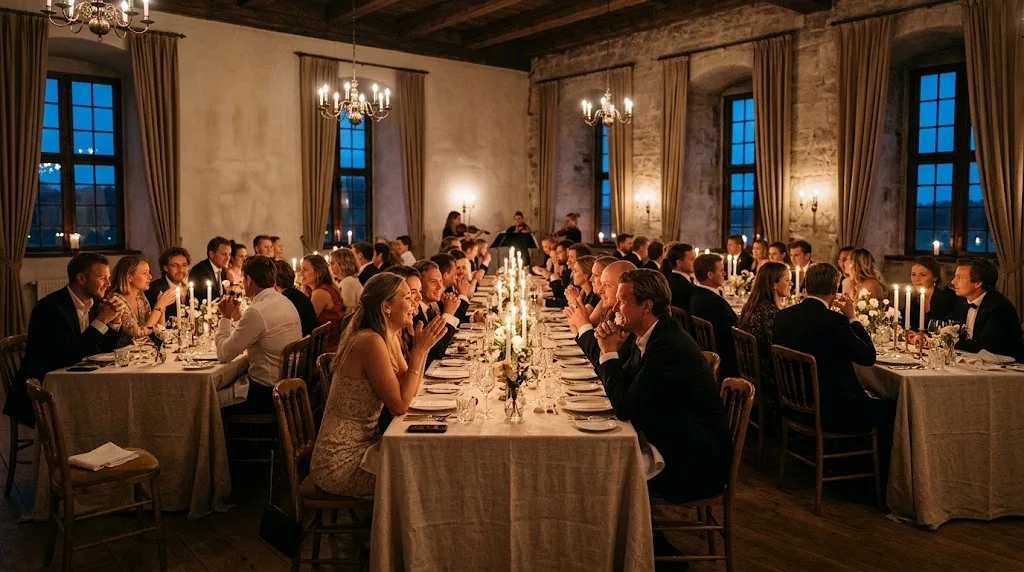
A wedding is more than photos. Guests need the schedule, menu, parking, dress code and accommodation, often across several days. Fest-appen puts it on the same guest page so you stop answering the same questions three times.
On top you get what guests love on the day: photo upload without an app, digital guestbook, live TV slideshow and an optional photo booth on your own iPad. The toastmaster gets a private control room on their phone.
After the party we email you one download link with your guests' photos in high resolution and guestbook exports, ready to save and share. Read our guide to collecting photos from guests →
Put a QR on the invitation so guests reply yes or no. You follow the replies in admin, before schedule and menu matter.
Ceremony, dinner programme and menu across multiple days. Guests see it on their phone, including allergy tags, instead of asking you.
Address, ferry, parking, dress code, gifts and accommodation. Seating plan so guests find their place. Spotlight messages on the day, one page, fewer questions.
The toastmaster gets their own running order on the phone, approves messages and photos, pins what matters to the big screen and shares notes when several of you run the evening. No admin login. See the full details under Features.
Guests open the same guest page via the invitation or QR on the table cards: upload without an app. Digital guestbook and optional photo booth on your iPad. New photos and messages roll live on the big screen.
After the wedding we send you an email with one link: your guests' photos at full resolution and the guestbook ready to print. Save the package locally while it's available. The link lasts about 30 days.
We set up your wedding app. You fill it with content. Guests scan and they're in.
Fill in the form to get a free trial page. We create your wedding app and send login. You add the schedule, menu and info – typically 15-20 minutes.
Put QR on the invitation so guests can reply and follow along before the day. At the party the same guest page opens from table cards, posters or stickers. Ready in ten seconds, no app.
Photos and messages flow onto the screen in real time. After the wedding you get a download link by email with photos and guestbook: save the package locally while it's available.
It is a digital guest page for the wedding: guests scan a QR code, upload photos from their phone and follow along on the big screen, with nothing to download. Fest-appen is a wedding photo app and wedding guest app in one: photos plus schedule, practical info, guestbook and toastmaster.
No. Beyond wedding photos you get schedule, menu, accommodation, dress code, guestbook, live on the big screen and a toastmaster control room. One guest page for the whole weekend, not just a photo gallery.
No. Everything happens on the phone. Guests scan the QR code, with no app to install and no account to create. Works on iPhone, Android and all other smartphones.
Yes. Guests can choose an existing photo from their phone's gallery or take a new one directly on their phone.
Yes. The package price includes up to three active event days. Extra days have a flat add-on (see the prices on the home page). Longer wedding weekends we arrange individually.
After the wedding we email you a personal link to one bundled download with the photos your guests uploaded plus guestbook exports (e.g. spreadsheet and a printable page). You can also fetch the same package from admin under Photos while the link is active. Save it locally in good time: the link is time-limited (about 30 days). Read our guide to collecting photos from your guests →
Yes. Open the slideshow on a laptop and connect it to the projector or TV via HDMI. New photos and guestbook messages scroll automatically, so nobody has to operate anything during the party.
No. The big screen is optional. The product is the guest page: guests scan the QR, upload wedding photos, see the schedule and write guestbook messages. If the venue has a TV or projector, you can run the live slideshow on top.
Yes. Your wedding app runs on your own link (e.g. sofieandnikolaj.fest-appen.dk) and shows your names and a subtitle at the top. You can also upload a header photo.
Fill in the form and we create your guest page. You get login by email, typically the same weekday (weekend: next business day), and a free 30-day trial with limited test content. No commitment until you order and pay. When you pay, you continue on the same guest page with the setup you already made.